
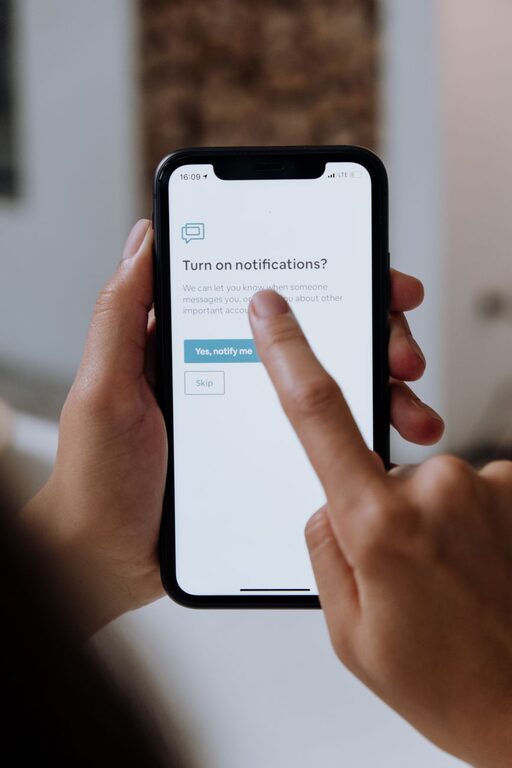
In today’s digital world, notifications are everywhere—popping up on smartphones, computers, and tablets. While they can be helpful reminders, constant alerts often interrupt our focus and increase stress. Setting boundaries with notifications is key to maintaining productivity, staying present, and achieving a better work-life balance. Here are some practical tips to help you manage notifications effectively.
Why Setting Boundaries with Notifications Matters
Notifications demand immediate attention, often distracting us from tasks or personal time. Without clear boundaries, we may find ourselves reacting to alerts instead of choosing when to engage. Over time, this can lead to decreased concentration, stress, and even burnout. By controlling how and when notifications appear, you gain more control over your day and your digital habits.
1. Audit Your Notifications
Start by reviewing all the apps and services sending you alerts. Ask yourself:
– Which notifications are essential?
– Which ones can wait or be turned off entirely?
Many apps send frequent, low-priority messages that don’t require immediate attention. Disabling these can reduce notification overload.
How to Audit Notifications
– Go to your device’s notification settings.
– Review each app’s notification permissions.
– Turn off non-critical notifications or customize alerts to minimize interruptions.
2. Create Notification Schedules
Instead of receiving notifications constantly, set specific times to check them. This approach helps prevent distraction throughout the day.
Tips for Scheduling Notifications
– Use “Do Not Disturb” modes during work or focus periods.
– Batch check emails and social media updates at designated times.
– Set device reminders to pause and review important notifications only at certain intervals.
3. Use Priority and Customized Alerts
Most devices allow you to prioritize certain notifications while silencing others. Customizing your alerts can ensure you don’t miss urgent messages but avoid unnecessary distractions.
How to Customize Notifications
– Assign priority levels to contacts or apps.
– Set different sounds or vibration patterns for important notifications.
– Enable “silent” notifications for less critical apps.
4. Turn Off Push Notifications for Non-Essential Apps
Push notifications can be intrusive, especially when they come from games, shopping apps, or news outlets. Disabling push alerts for these apps frees up mental space.
How to Identify Non-Essential Pushes
– Consider whether the app’s notifications affect your daily tasks or wellbeing.
– If not, turn off push notifications or change settings to receive alerts only when you open the app.
5. Manage Notifications on Multiple Devices
If you use several devices like a phone, tablet, and computer, overlapping notifications can multiply distractions.
Tips for Multi-Device Notification Management
– Sync notification settings across devices where possible.
– Disable duplicate alerts to avoid being notified multiple times for the same event.
– Decide which device is your primary platform for urgent notifications.
6. Use Notification Summary Features
Many smartphones offer features that group non-urgent notifications and deliver them at set times, helping reduce constant interruption.
Benefits of Notification Summaries
– Consolidate alerts into fewer, manageable bundles.
– Review notifications when it’s convenient, rather than in real time.
– Stay better focused on tasks without missing important updates.
7. Communicate Your Boundaries to Others
When setting boundaries, especially at work or within family life, communicate your notification preferences clearly.
Suggestions for Communication
– Inform colleagues or friends about your preferred times for responding.
– Use status indicators or auto-replies during focus periods.
– Set expectations to avoid misunderstandings about delayed responses.
8. Practice Digital Mindfulness
Be intentional about how you engage with notifications. Resist the urge to check alerts immediately, and take time to reflect on their relevance.
Ways to Practice Mindfulness
– Pause before responding to each notification.
– Ask if engaging with the alert adds value at that moment.
– Take regular breaks from screens to reduce digital fatigue.
Final Thoughts
Notifications can be useful tools, but they shouldn’t control your day. By auditing your alerts, scheduling times to check them, customizing settings, and communicating boundaries, you create a healthier relationship with technology. These small changes can bring significant benefits to your focus, productivity, and overall well-being.
Start by implementing one or two of these strategies today and notice how managing your notifications can help you feel more balanced and in control.
About the Author